

SubSync RSS Sync for Substack
Display Your Substack or other Newsletter on WordPress
Automatically sync your Substack (or other newsletter) posts to WordPress with beautiful layouts, flexible display options, and seamless integration.
Bring Your Substack to WordPress
Substack Sync automatically imports your Substack newsletter posts into WordPress, giving you full control over how your content appears on your own domain.
✓ Automatic Syncing
Set it and forget it. Posts automatically sync from your Substack RSS feed on your schedule (hourly, daily, or weekly).
✓ Easy Setup
Simple setup wizard guides you through configuration. Just paste your Substack URL and you’re ready to go.
✓ Flexible Display
Use shortcodes, Gutenberg blocks, or the Divi module (Pro) to display posts anywhere on your site.
✓ Full Control
Customize layouts, manage imported posts, and choose how missing posts are handled.
✓ SEO Friendly
Import featured images, preserve metadata, and keep all your content indexed on your domain.
✓ Works Everywhere
Compatible with any WordPress theme and all major page builders.
See It In Action
Easy Setup Wizard
Get started in minutes with our step-by-step setup wizard. Just enter your Substack URL and configure your preferences.
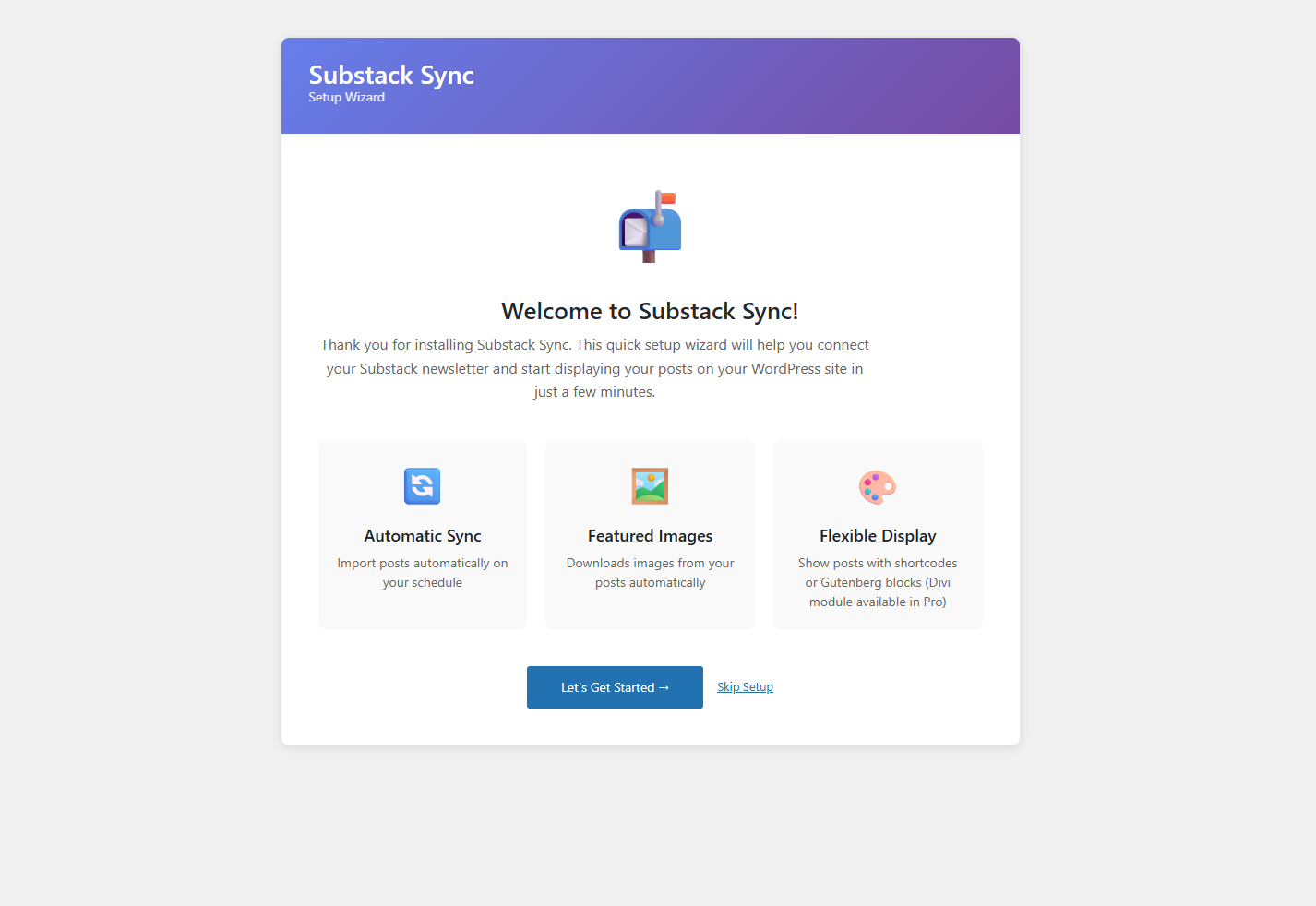
The setup wizard guides you through initial configuration
Beautiful Frontend Display
Your Substack posts look great on your WordPress site with customizable layouts and styling options.
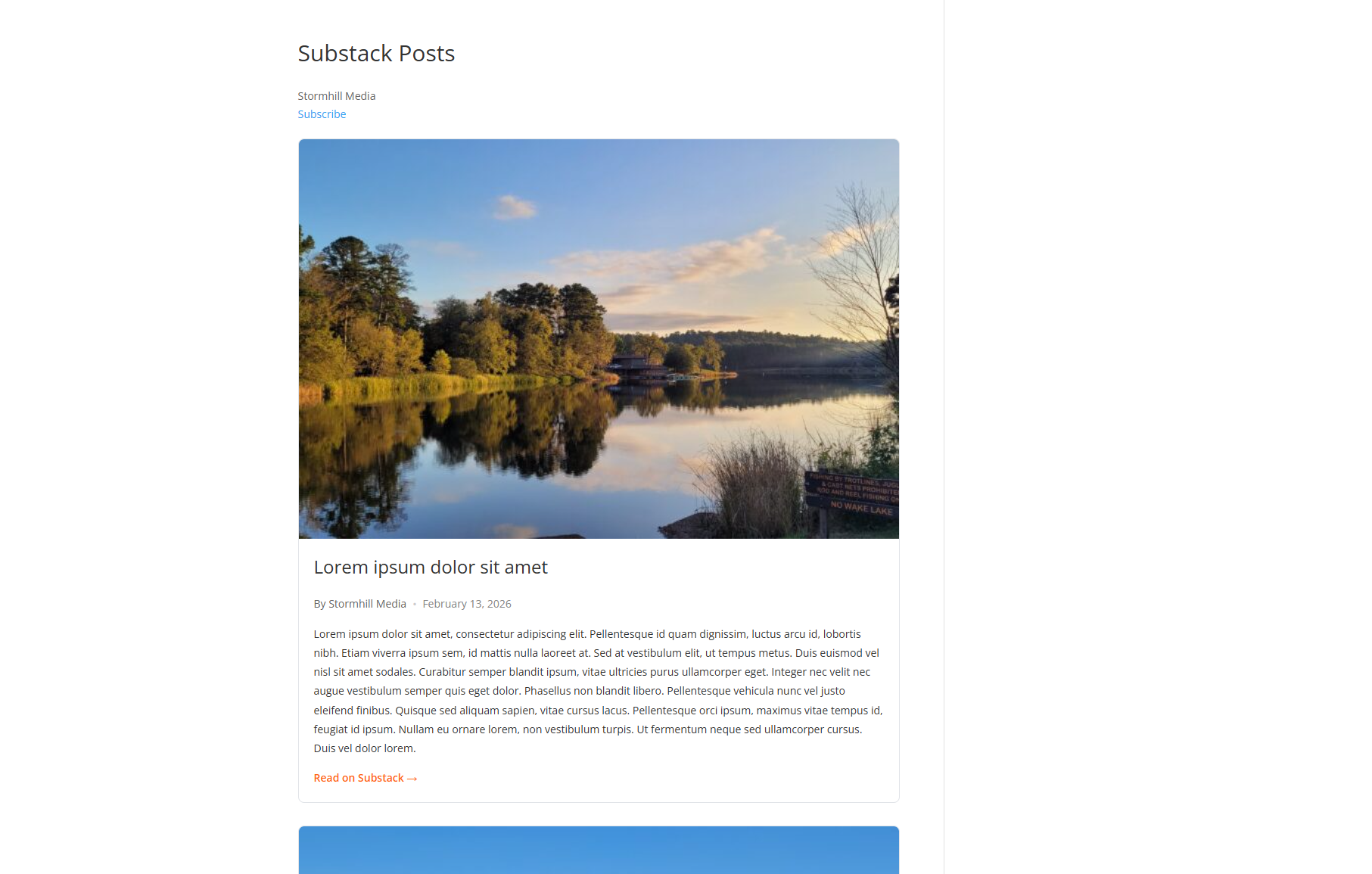
Clean, professional display of your Substack posts
Gutenberg Block Editor
Add your Substack posts anywhere with the native Gutenberg block. Live preview makes customization easy.

Gutenberg block with visual controls and live preview
Manage Synced Posts
View all your synced posts in the WordPress admin with sync status, dates, and easy management options.
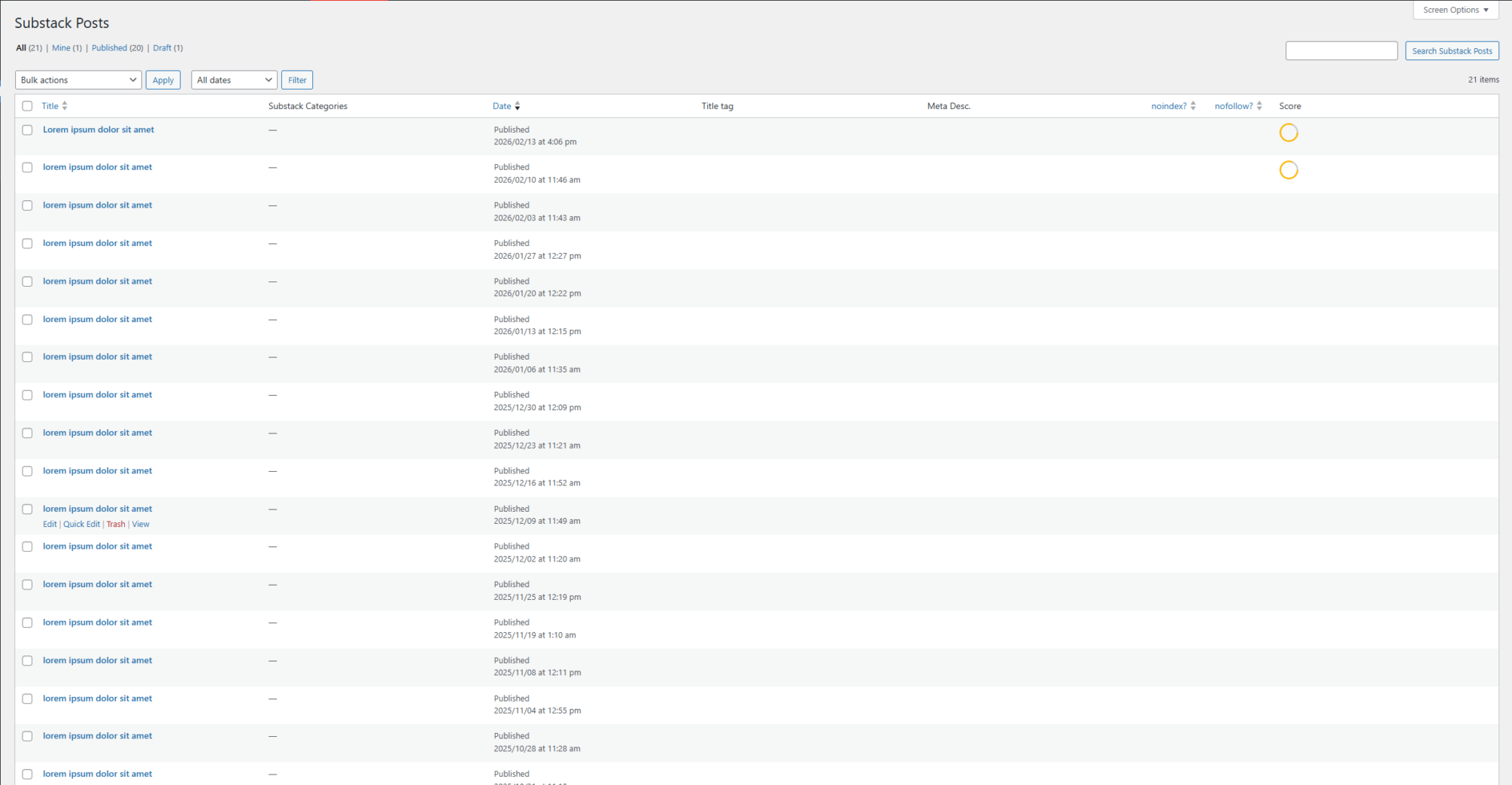
Post list showing sync status and management options
Powerful Settings
Fine-tune every aspect of how your posts sync and display with comprehensive settings.
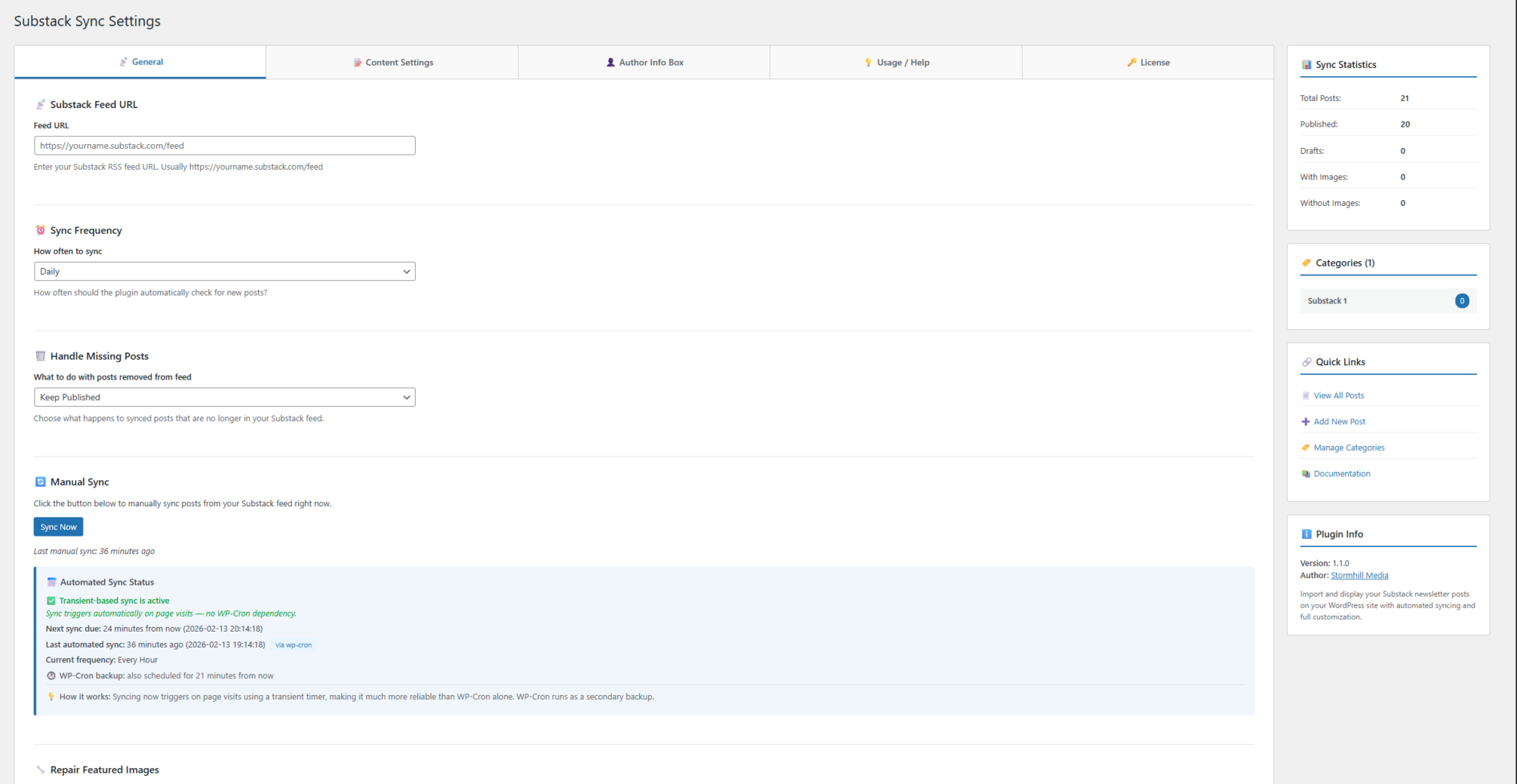
Settings page with sync options, display preferences, and more
Built-in Help & Documentation
Get answers right in the WordPress admin with contextual help tabs and documentation links
Help tab with quick answers and documentation links
Substack Review Test
Lorem ipsum dolor sit amet, consectetur adipiscing elit.

What's included in the free version:
- Automatic daily or weekly sync
- Featured image import
- Single column layout
- Excerpt display with "Read More" buttons
- Shortcode and Gutenberg block
- Basic post management
- Community forum support
Want more? Upgrade to Pro for advanced features.
Simple Installation
Free Version
- Download from WordPress.org or search "Subsync" in your WordPress admin
- Install and activate the plugin
- Follow the setup wizard to connect your Substack feed
- Add the Gutenberg block or shortcode to any page